AI web developer
Custom web apps built with AI, shipped to production
Internal tools, client portals, dashboards and full products, built around how your team actually works. I use AI-assisted development to build faster, and an operations background to build the right thing.
What I build
Internal tools
The app that replaces the spreadsheet your team has outgrown, with the fields and permissions it actually needs.
Customer-facing products
Storefronts, calculators, dashboards and free tools that bring in and serve customers.
Mobile-ready web apps
Installable apps that work on a phone in the field, an iPad in the van and a desktop in the office.
Integrations and backend automation
APIs connected, scheduled jobs and webhooks wired up, and data kept in one database instead of five tools.
Rapid prototypes
Clickable mock-ups reviewed with your team before the build, so features change shape while change is cheap.
Tested and documented
Automated tests on the parts that matter and a handover your next developer can pick up.
Tools I work in
- Claude Code
- Codex
- VS Code
- Replit
- Lovable
- React
- TypeScript
- Supabase
- PostgreSQL
What is AI-assisted web development?
AI-assisted development means building software with AI coding tools such as Claude Code and Codex doing much of the typing, while a developer designs the system, reviews every change and tests it. Done well, it cuts the time and cost of a custom app without cutting corners. Done badly, it produces demos that fall over in production.
The difference is in the engineering habits around the AI. The field technician app I built has around 660 automated tests, and each guard was broken on purpose to confirm a test catches it. coldemailinboxes.io provisions mailboxes through a resumable pipeline where every step is safe to retry. Those are the details that make an app something a business can rely on.
When is a custom app worth it?
When your team is working around its tools instead of with them: data copied between apps, a spreadsheet doing a database's job, or several subscriptions that each cover part of the work. Klearby started from that exact problem for freelancers, who often pay for separate tools for invoices, projects, forms and calendars that barely talk to each other.
"Our whole field operation used to live in Google Sheets. Carlos turned it into an app our office team and on-site techs actually use every day."
Adam | Senior Engineer
5x5 Communications
Proof
Case studies
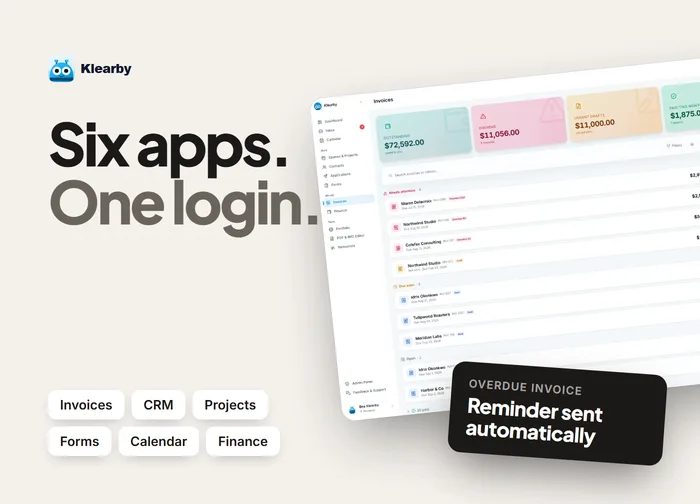
Klearby
An all-in-one business hub for freelancers and agencies: invoicing, CRM, projects, forms and finance.
View case study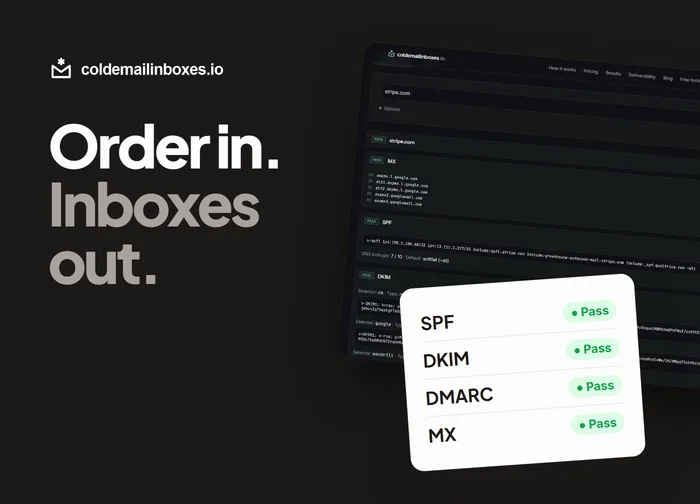
coldemailinboxes.io
A provisioning engine that automates inbox creation and DNS setup, then tests every domain before handoff.
View case study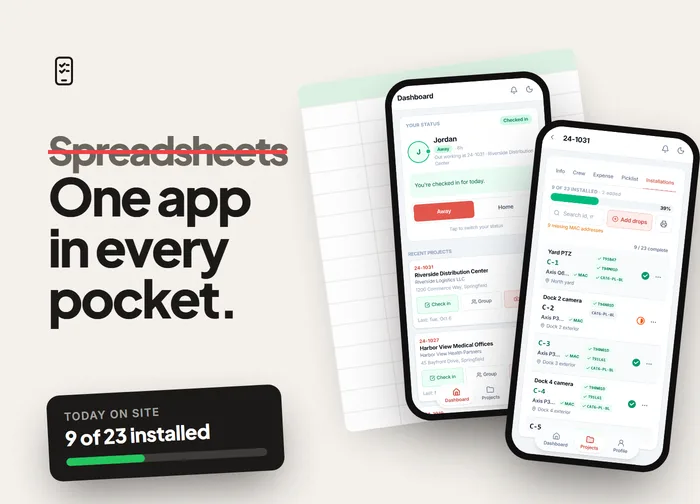
Field Technician App
An internal app for a security installer's field crews: check-ins, install checklists, parts pickup and PDF reports.
View case studyFurther reading
- When a Custom AI-Built App Beats Another SaaS SubscriptionHow to tell when your business has outgrown off-the-shelf tools, what AI-assisted development changes about building your own, and the lessons from building Klearby.
- From Spreadsheets to an App: Building a Field Technician App Crews Use Every DayHow a security installer's field crews moved from slow AppSheet tools on Google Sheets to one app for check-ins, install tracking, parts and PDF reports.
- How to Set Up Microsoft 365 Inboxes for Cold Email: SPF, DKIM, DMARC and a Test SendThe setup steps for cold email inboxes on Microsoft 365: domains, MX, SPF, DKIM, DMARC, SMTP AUTH and the test send that catches problems before your sequencer does.
Let's give your week back
Tell me what is slowing you down. We will map it out on a call. Remote, working US Eastern hours.